
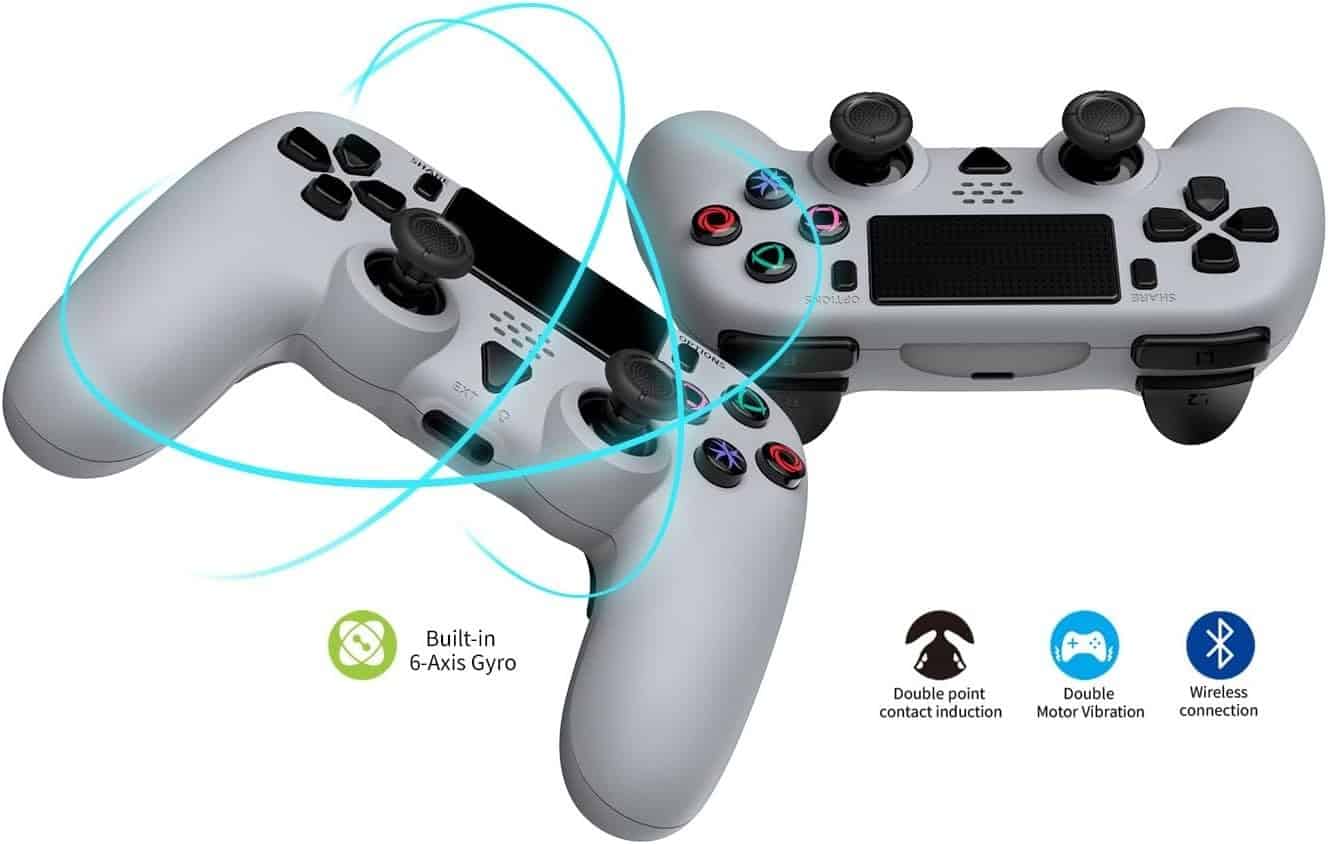
PS5 Pro Controller Aftermarket
RRP$89.99inc. GST
In stock
Wholesale pricing for repair shops and retailers. The price shown is the recommended retail price. Approved wholesale accounts see wholesale pricing (ex-GST) and can order online. Apply for wholesale pricing
RRP$89.99inc. GST
Apply for pricingDetails
Features
- Removable joysticks (3 sets included: standard, extra-height, and extra-grip)
- 2 mappable macro buttons
- LED lighting under joysticks and action buttons
(Lighting cannot be customised, but can be switched on/off) - USB-C charging
- Turbo function (automatic rapid input)
- All core functions of an original PS5 controller except adaptive triggers and wireless-charging pins
- Bluetooth pairing available by holding the main black button + Share button
(LED will start blinking when in pairing mode) - Lights can be turned off by pressing R3 + Share
Important Notes
- The built-in microphone has limited quality and may cut in and out
- Lighter than the original PS5 controller, with a PS4-style shape
- The main LED brightness cannot be adjusted on the PS5 or on the controller
How to Set Up Macro Controls
- Press the M button and the button you want to assign
(Main LED turns orange) - Press the button you want to map
- Press the macro button to confirm it works
How to Use Turbo Mode
- Hold the Turbo (T) button
- Press the button you want repeated twice
- To stop turbo on that button: press the assigned button once without the Turbo button
- Pressing the button again will re-activate turbo mode
- Press the assigned button twice for a single input
Assigning Turbo to Multiple Buttons
- Hold the Turbo button
- Select the first button, then—while still holding Turbo—press the second button twice
Disabling Turbo Mode
- Hold the Turbo button and press the assigned button
- To reset turbo mode for all buttons, hold the Turbo button for 5 seconds
Adjust Turbo Speed
- Hold the Turbo button and press D-pad Up or Down
- Three speed levels available